How to transfer content from the Wayback Machine (archive.org) to Wordpress?
By using the “Extract structured content” option you can easily make a Wordpress blog both from the site found on the Web Archive and from any other website. To do this, firstly find the source website and then in one of our download tools Restore A Website or Download A Website check in "Advanced Options" - "Extract structured content". After that enter all your data ( email, timestamps, etc. ) and start downloading.
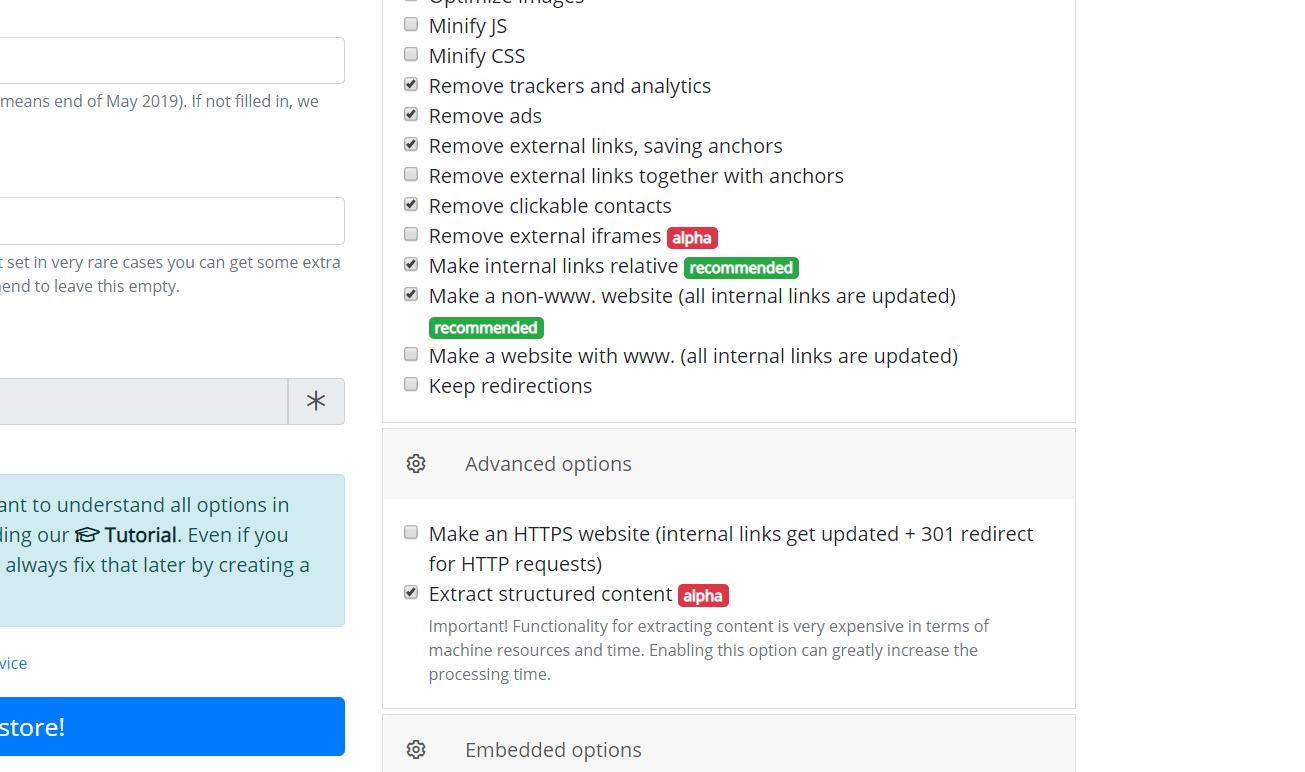
When a website downloading process is completed the system deploys it to our server and begins to extract content. During creating an archive of articles, our parser takes into account only meaningful content excluding duplicate articles, controls and service pages, leaving only articles with saved formatting ready for import to your website. After the process of extracting articles is completed, you will receive a confirmation letter, open it and download the content - the "Articles (.zip)" button.
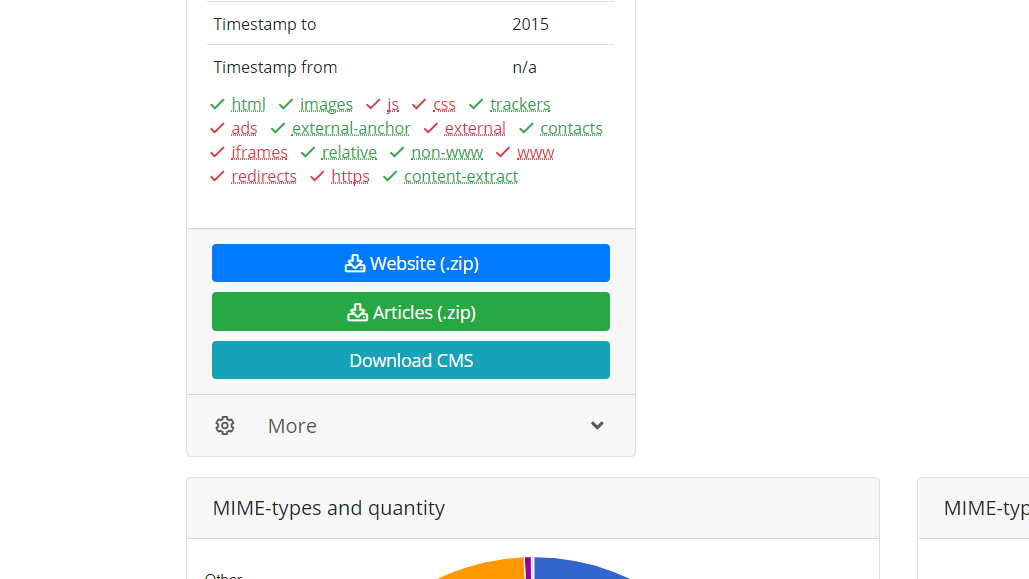
The zip archive contains the extracted content in various formats, from them select a file with the extension .wxr. This file is in WordPress eXtended Rss format, and it is ready to upload on Wordpress CMS.
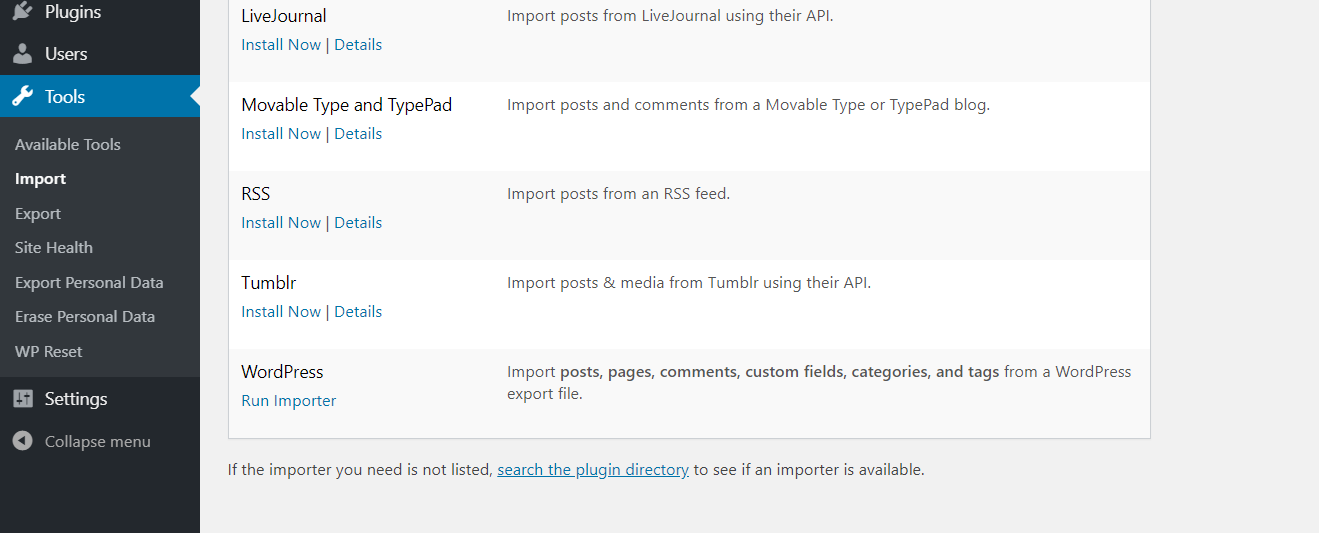
On your Wordpress website start the import of content - (In the admin panel of Wordpress - Tools - Import - Wordpress - Start import).
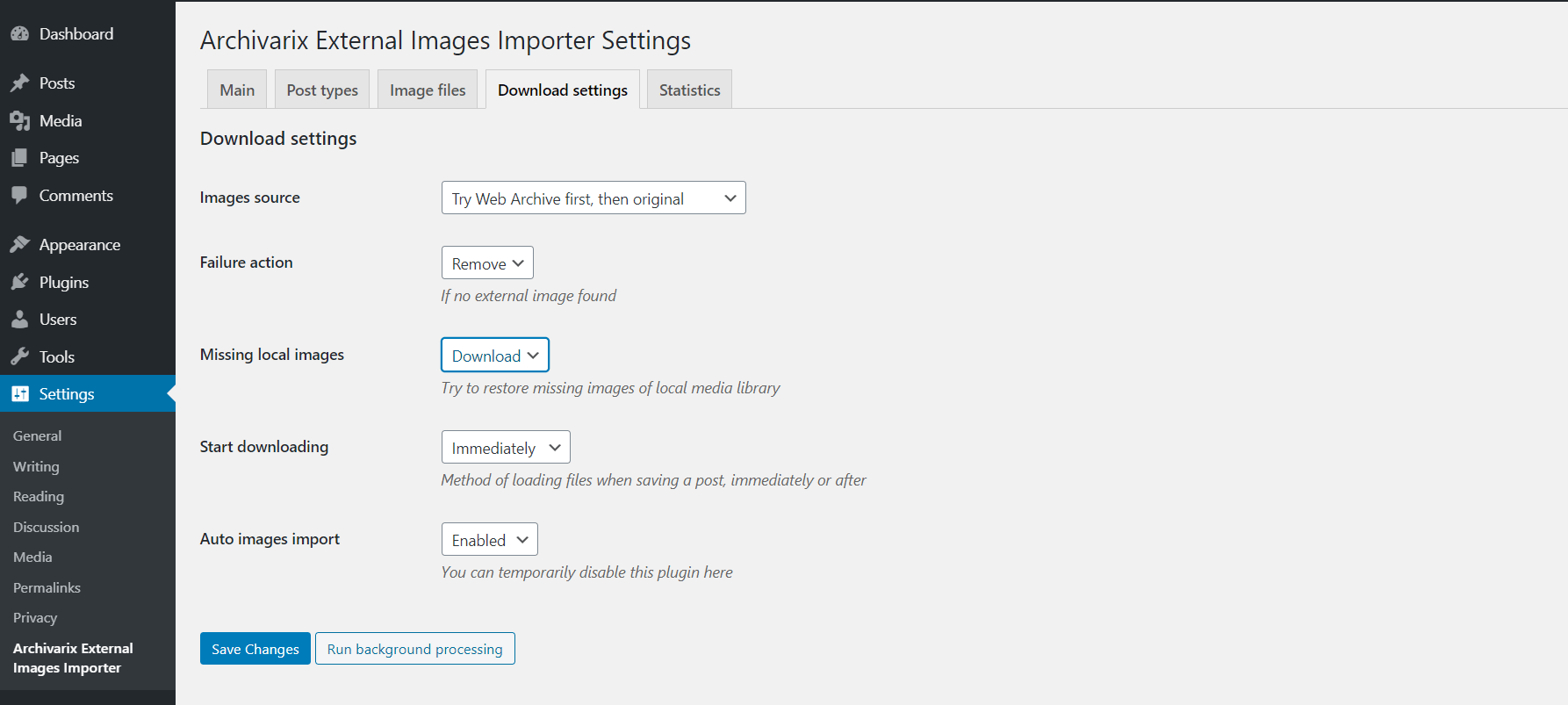
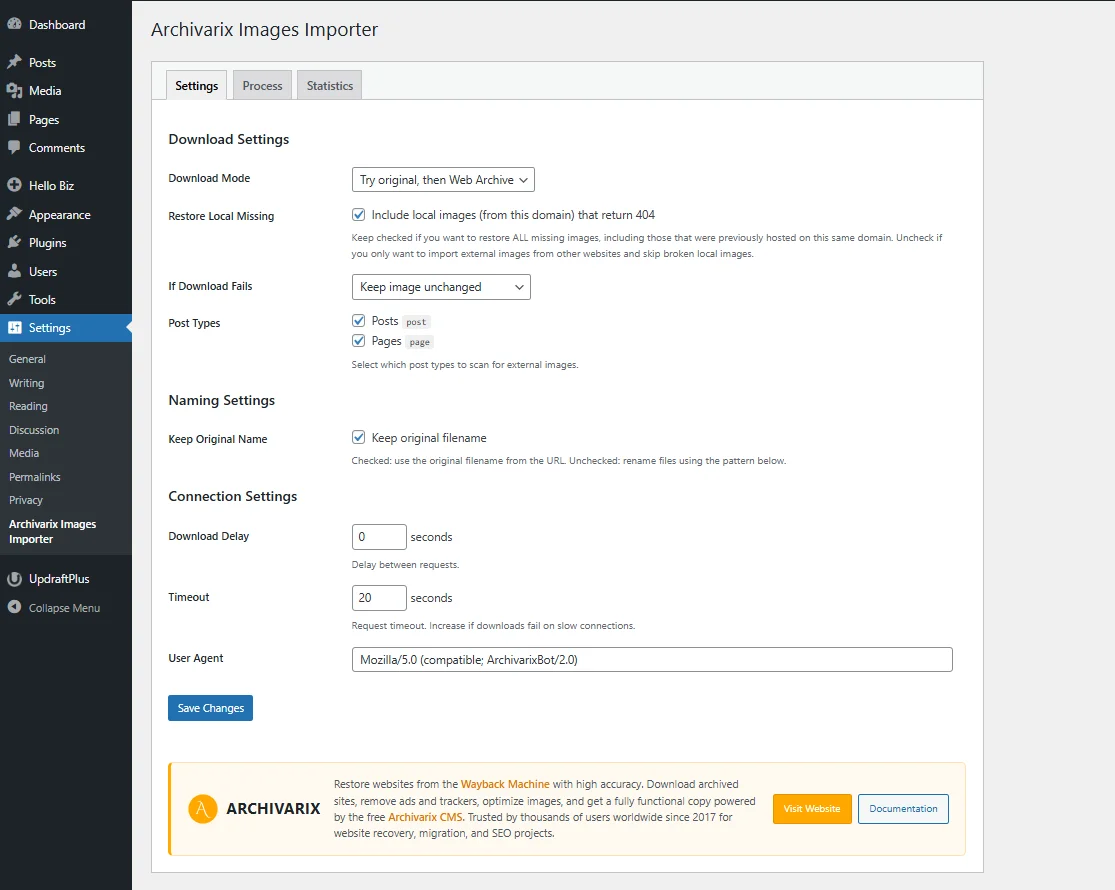
If the extracted content has some images, their links will be contained in the article file. To import them into your Wordpress site you need to use our Archivarix External Images Importer plugin. The plugin is very simple. Read here to find out how it works.
The use of article materials is allowed only if the link to the source is posted: https://archivarix.com/en/blog/convert-archiveorg-to-wordpress/

The Archivarix system is designed to download and restore sites that are no longer accessible from Web Archive, and those that are currently online. This is the main difference from the rest of “downl…
By using the “Extract structured content” option you can easily make a Wordpress blog both from the site found on the Web Archive and from any other website. To do this, firstly find the source websit…
In order to make it convenient for you to edit the websites restored in our system, we have developed a simple Flat File CMS consisting of just one small php file. Despite its size, this CMS is a powe…
This article describes regular expressions used to search and replace content in websites restored using the Archivarix System. They are not unique to this system. If you know the regular expressions …
Our Website downloader system allows you to download up to 200 files from a website for free. If there are more files on the site and you need all of them, then you can pay for this service. Download …