Wayback machine online downloader with CMS.
Restore a fully functional copy of your site!
If you are first here and did not see how our system works we have prepared a test recovery for you.
To see the recovery locally without using hosting, we recommend installing XAMPP server on your computer. During installation, you only need to select Apache and PHP.
To see the recovery locally without using hosting, we recommend installing XAMPP server on your computer. During installation, you only need to select Apache and PHP.
Restore prices
Website has
up to 200 files
- Sites that contain up to 200 files cost only $0.25.
Website has
201-1200 files
- Most of the websites that restore our users contain up to 1000 files and cost less than $4.
Website has
more than 1200 files
- If the site you need contains more than 1200 files, then each additional thousand files will cost only one dollar.
Website downloader and Content Management System (CMS) existing site converter.
Download a fully functional copy of the site!
Ability to download .onion sites!
If you are first here and did not see how our system works we have prepared a test recovery for you.
To see the recovery locally without using hosting, we recommend installing XAMPP server on your computer. During installation, you only need to select Apache and PHP.
To see the recovery locally without using hosting, we recommend installing XAMPP server on your computer. During installation, you only need to select Apache and PHP.
Download prices
Website has
up to 200 files
- Sites that contain up to 200 files cost only $0.25.
Website has
201-1200 files
- Most of the sites downloaded by our users contain up to 1000 files and cost less than $4.
Website has
more than 1200 files
- If the site you need contains more than 1200 files, then each additional thousand files will cost only one dollar.
Latest Blog Articles:
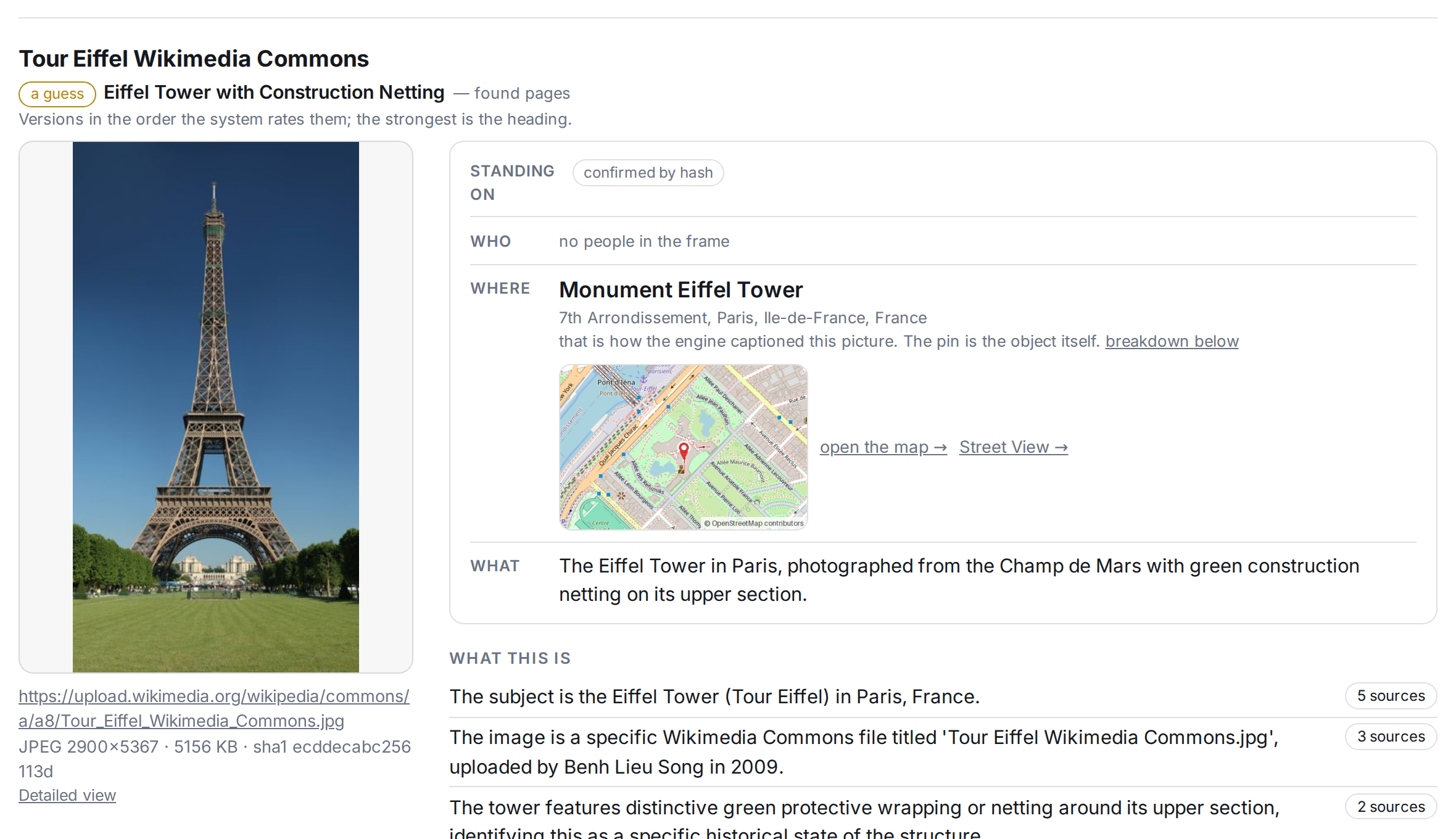
Archivarix Retrace - Find where a picture came from, using open sources.
Retrace is a new Archivarix service for tracing where an image came from. You give it a photo, a GIF or a short video, and it looks for the same image on the open web and puts together a report: where else the picture appears, when it first showed up, what can be seen in the frame itself, and where the shot was most likely taken.
Read more…

Archivarix turns 9. Get double the credit!
Hi everyone,
To celebrate our anniversary, we’re bringing back our best offer of the year: up to 100% bonus credit when you add funds. We only offer a bonus this big on our anniversary — once a year.
Thank you for being part of Archivarix! Choose your top-up amount and get more credit for website restorations and your next projects.
Read more…
To celebrate our anniversary, we’re bringing back our best offer of the year: up to 100% bonus credit when you add funds. We only offer a bonus this big on our anniversary — once a year.
Thank you for being part of Archivarix! Choose your top-up amount and get more credit for website restorations and your next projects.
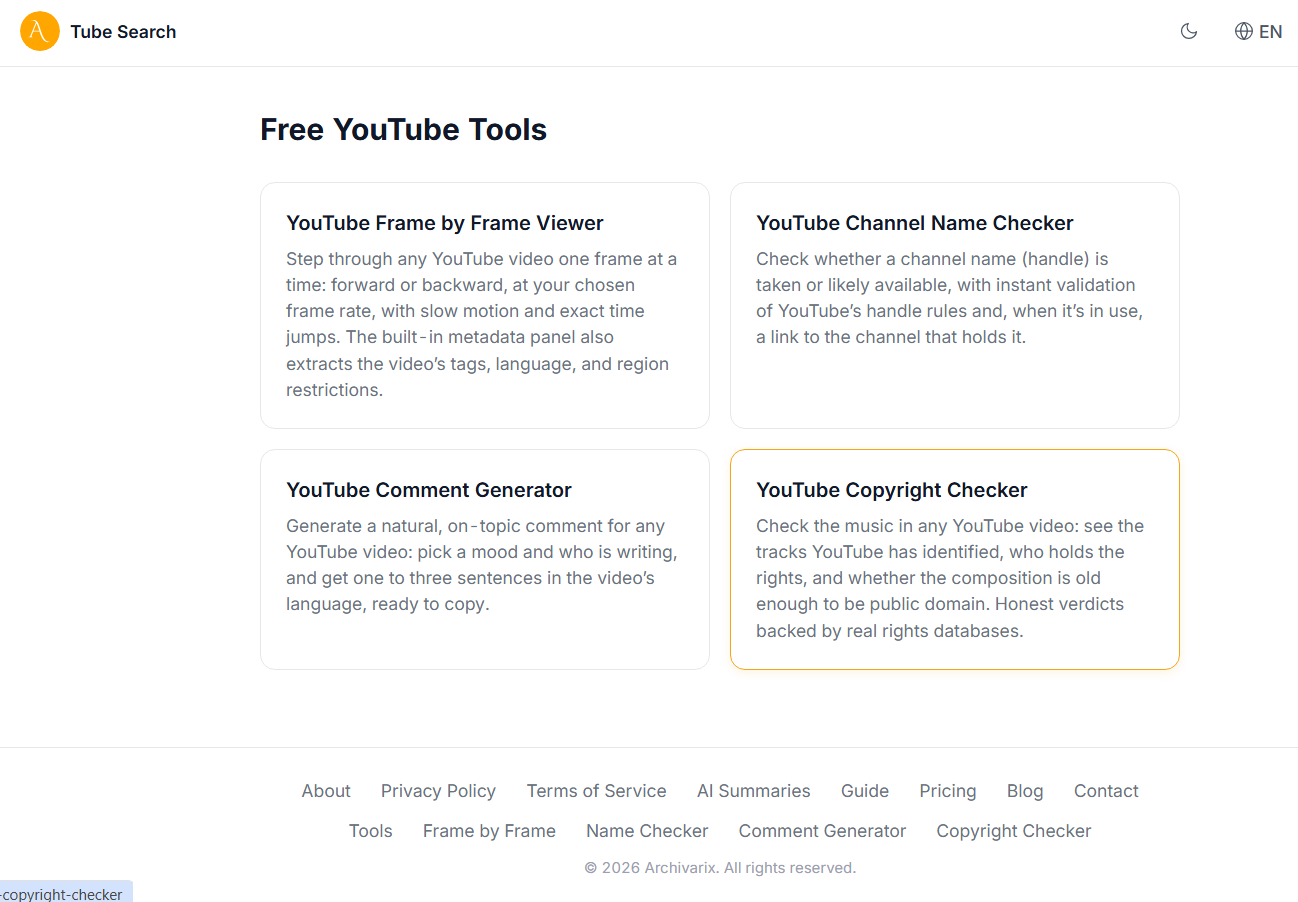
Free YouTube Tools on Tube Search: Frame by Frame Viewer, Tags, Name Checker and Copyright Checker
Tube Search now has a section of free YouTube tools. These are small utilities that solve specific everyday tasks: stepping through a video frame by frame, extracting hidden tags, checking whether a channel name is taken, writing a comment, or figuring out the copyright status of the music in a video. Everything runs right in the browser, no installation and no signup. Here is what each tool does and who it is for.
Read more…
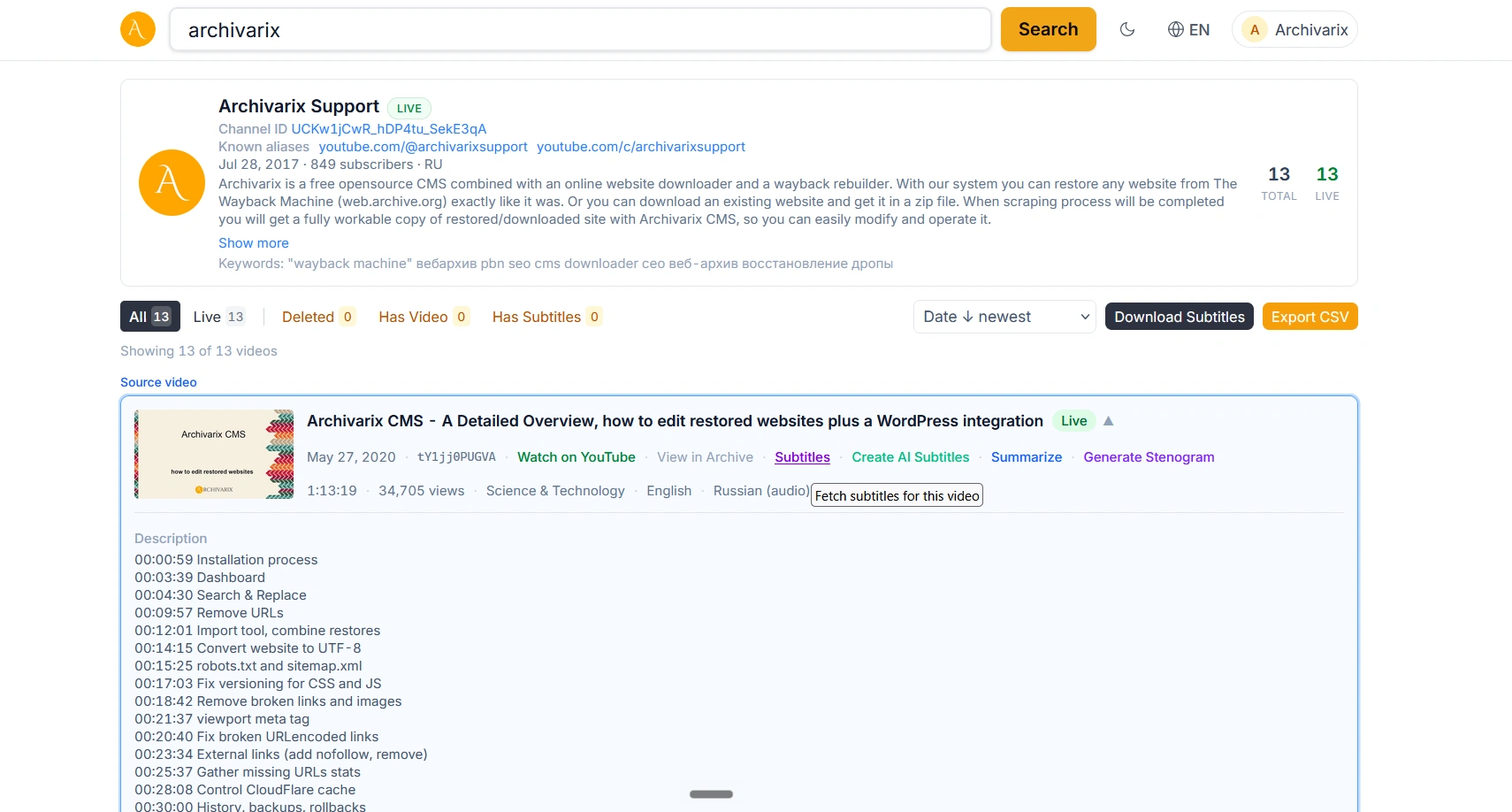
How to Download YouTube Subtitles, Even from Deleted Videos
You found the video you needed on YouTube, but you do not want to watch the whole thing just for a couple of lines. Or you need the text of a lecture to translate it, quote it, or simply skim through it. YouTube subtitles solve this, but copying them from the site itself is not easy: the interface gives you no download button, and third-party services often break or ask for payment. Archivarix Tube Search has a simple way to get the subtitles of any video, and more importantly, it works even for clips that have already been removed from YouTube.
Read more…
How long does a web page live: what the research says about link rot
Open any article from a decade ago and click through the links in it. There is a good chance that some of them lead nowhere. Instead of the page you wanted, you get a 404 error, a parked domain advertising cheap insurance, or a redirect to someone else's site. This phenomenon is called link rot, and it is far more widespread than people tend to assume.
Read more…